Most users won't notice the things I obsess over.
They won't notice that the contact button's padding is slightly asymmetric so the airplane icon optically centers. They won't notice that when you click it, a new plane rises from below to fill the empty space. They won't notice that the wave emoji in the footer re-triggers every time it scrolls into view, or that the cursor's paper-plane emoji rotates to face the direction it's moving, or that the Spotify widget's glow recolors itself to match the album cover.
But they'll feel it.
Animation is feedback, not decoration
A button that just changes color when you click it is a vending machine. A button that responds, with weight, recovery, and follow-through, is alive.
The plane flying off says your message went somewhere. The new one rising from below says the system is ready for you again. The information conveyed is the same as a static button. The experience isn't.
The cursor doing the same thing. When you move the mouse, the little paper plane rotates to point in the direction you're flying it, using atan2 on the velocity vector and a small spring so it doesn't snap. When you stop, it holds its last heading instead of jerking back to neutral. None of this is necessary. All of it is the difference between a cursor and a thing.
The cheap version of this is "everything wiggles." The good version is using motion to answer questions the user didn't know they were asking: did that work?, can I click again?, where did it go?, which way am I moving?
Optical isn't mathematical
If your icon is geometrically centered but visually leans left, it's not centered.
The eye doesn't measure pixels; it measures mass. Most icons have asymmetric weight. A paper airplane points up-right; its visual anchor sits in the lower-left. A play triangle is heavier on the left edge than the right. Letterforms are the same: an "O" floats away from edges while a "K" leans into them.
The same trap shows up with typography. The hero cycles between "Shivy" and "Shivam" in a cursive font with a deep descender on the "y". A naive bg-clip-text gradient clips the descender's tail because the gradient paint area stops at the content box. The fix is pb-[0.5em] to extend the paint area down into where the descender lives, then -mb-[0.5em] to cancel the layout impact. The text looks complete. Nothing around it moves.
The fix is unglamorous. Add 4px of right padding. Nudge the icon down by half a pixel. Compensate with negative margin. The math will tell you it's wrong; trust your eyes.
Timing matters more than the curve
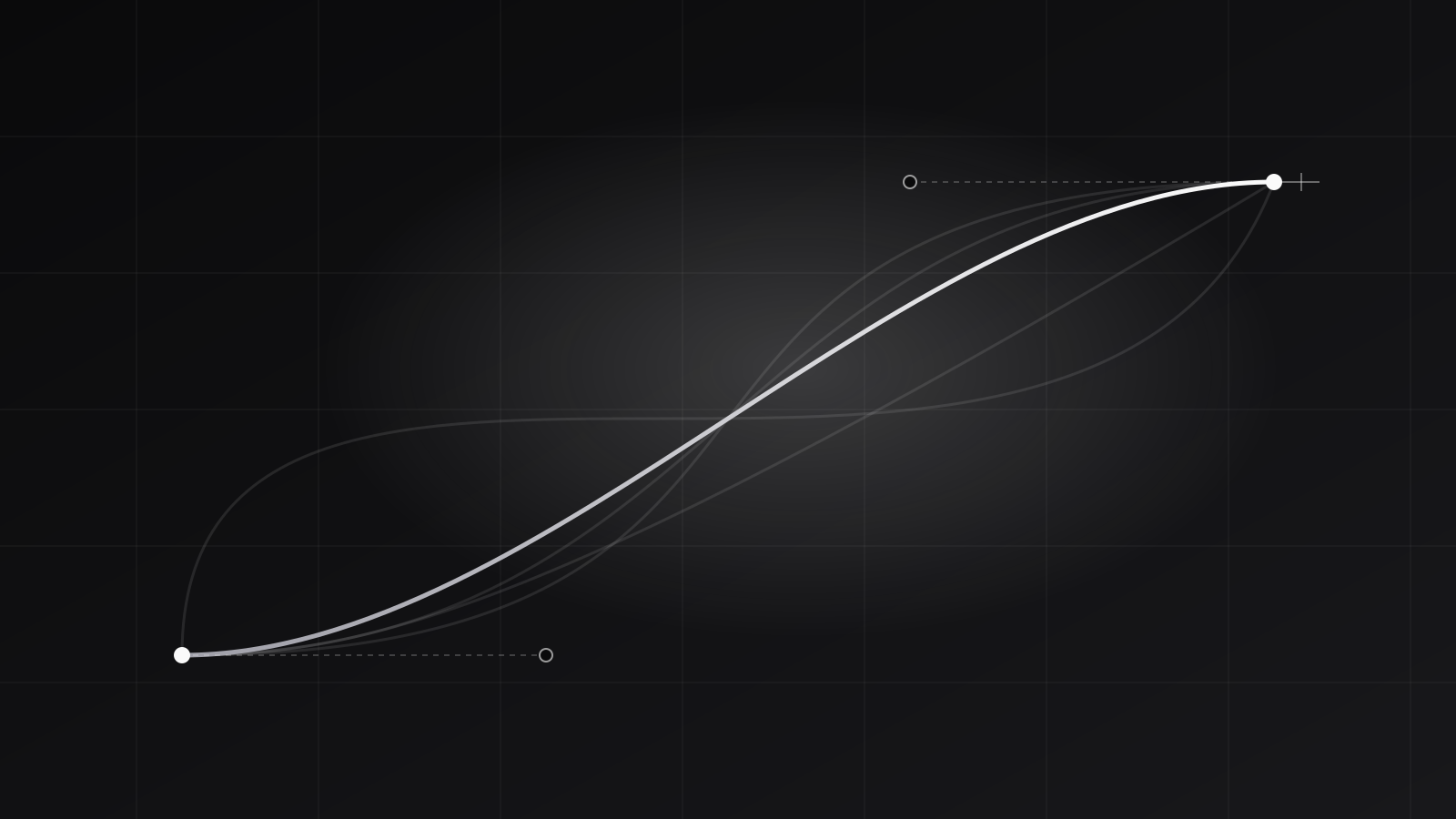
I'll spend ten minutes tweaking a cubic-bezier curve. I'll spend an hour tuning the duration.
- 200ms feels snappy. Good for hover states, taps, immediate feedback.
- 300ms feels considered. Good for entrances, modals, drawer opens.
- 500ms feels slow. Good for hero animations or anything you want to draw attention to.
- Over 700ms feels broken unless it's intentional storytelling.
The same animation at 200ms vs 500ms is a different product.
And the harder timing problems aren't durations at all, they're sequences. The hero name cycle swaps "y" for "am" via a clip-path wipe. If the swap fires on a setTimeout, it races the animation: sometimes the new letters appear mid-wipe and you see a flash. The right answer is Framer Motion's onAnimationComplete callback, which guarantees the swap happens exactly when the wipe settles. Setting the duration to 300ms is the easy part. Pinning the next thing to fire on the previous thing's completion event is the part that takes a day.
State should be aware of itself
Polish isn't just motion. It's the product responding to what's actually going on.
The Spotify card sniffs the dominant color of the current album cover and uses it as the spotlight tint, so the glow always coordinates with the artwork. Switch tracks, and the glow rotates with you. It's a single hook, but it's the difference between "card with album art" and "card about the album."
The tool icons swap their dark-mode and light-mode variants the instant you toggle the theme, without a re-render flicker, because the icon path is computed from the current theme on the fly instead of being baked in at mount. The scratch-to-reveal stickers pick a new random GIF each time you complete a scratch, filtering out the one you just saw so you never get the same reveal twice. The navbar hides itself when you scroll down (you're reading, get out of the way) and slides back when you scroll up (you're looking for navigation).
None of this changes what the product does. All of it changes whether the product feels like it's paying attention.
Edge cases are where craft lives
The blog you're reading has a table of contents on the left. On a long post it works the obvious way: the active section is whichever heading the user has most recently scrolled past.
On a short post, the obvious way breaks. If the document isn't tall enough to scroll the last few headings up to the activation band, they never activate. The bar would sit on the first heading and then jump straight to the last when the user hits the bottom of the page. The fix is to compress the activation points proportionally when the natural last point exceeds the maximum scroll distance, so the headings are evenly distributed across whatever scroll range actually exists.
Almost nobody will read a short enough post to notice. But if you did, and the TOC jumped, you'd feel it. Something would seem off, even if you couldn't say what. That's the bar. Not "does anyone notice when it's right," but "does anyone notice when it's wrong."
Why bother
Because polish is the only thing that survives a first impression.
A user can't tell whether your database queries are efficient or your architecture scales. They will absolutely tell, in two seconds, without thinking about it, whether your product feels expensive or cheap. And the gap between those two feelings is built out of a thousand small things nobody asks for and everybody feels.
That's the part of UX worth sweating.